OVERVIEW / 01
Course Description & Learning Objectives
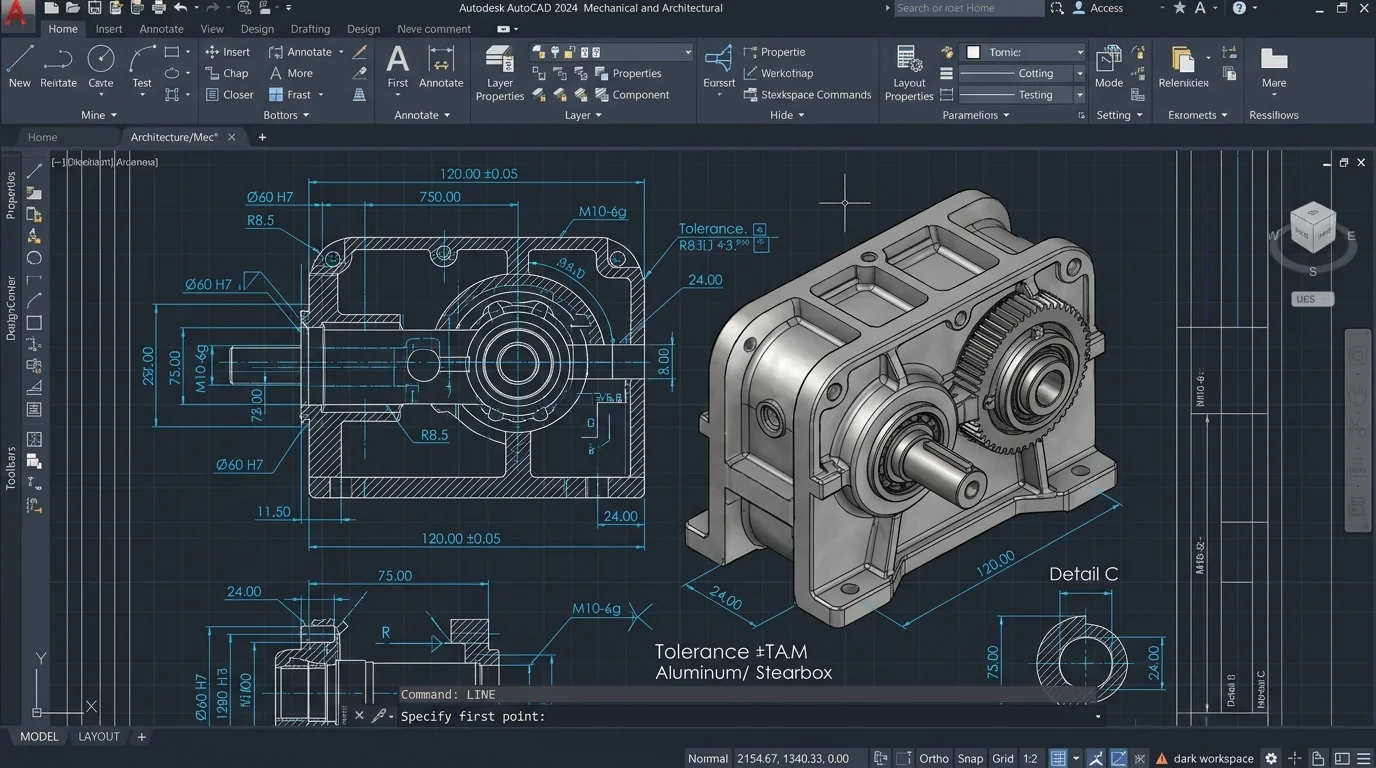
AUTODESK INVENTOR – Master Autodesk Inventor for mechanical design, dynamic simulation, sheet metal design, tooling, and manufacturing documentation. Learn Design Accelerators for gears, shafts, bearings, and bolted joints.
HIGHLIGHTS / 02
Core Skills & Engineering Competencies
- Automated Design Accelerators for gears, shafts, chains, and belts
- Frame Generator for structural weldments and skid design
- Finite Element Analysis (FEA) stress analysis & dynamic simulation
- iLogic automation for parametric component configurators
SYLLABUS / 03
Comprehensive Module Curriculum
MODULE 01
Module 1: Parametric Part Modeling
- Sketch constraints & Parametric dimensions
- Solid modeling features & Freeform tools
- Plastic feature tools (Lip, Rest, Boss, Grill)
- iPart creation & Parameter management
MODULE 02
Module 2: Assemblies & Design Accelerators
- Assembly joints & Constraining
- Spur gear, V-belt & Bearing generators
- Bolted connection wizard & Pin joints
- Content Center component library
MODULE 03
Module 3: Frame Generator & FEA Simulation
- Structural skeleton modeling
- Frame members, Miter, Trim & Notch
- Stress Analysis environment & Mesh refinement
- Von Mises stress, Safety factor & Displacement
MODULE 04
Module 4: Drawing Automation & iLogic Basics
- Production drafting, Exploded views & BOM
- iLogic rule-based modeling overview
- Dynamic motion simulation video output
- Capstone Machinery Project
CERTIFICATION / 04
Course Deliverables & Outcomes
01
Autodesk Inventor Mechanical Certificate
02
Machinery Design Portfolio (20+ Models)
03
FEA Stress Analysis Study Reports
04